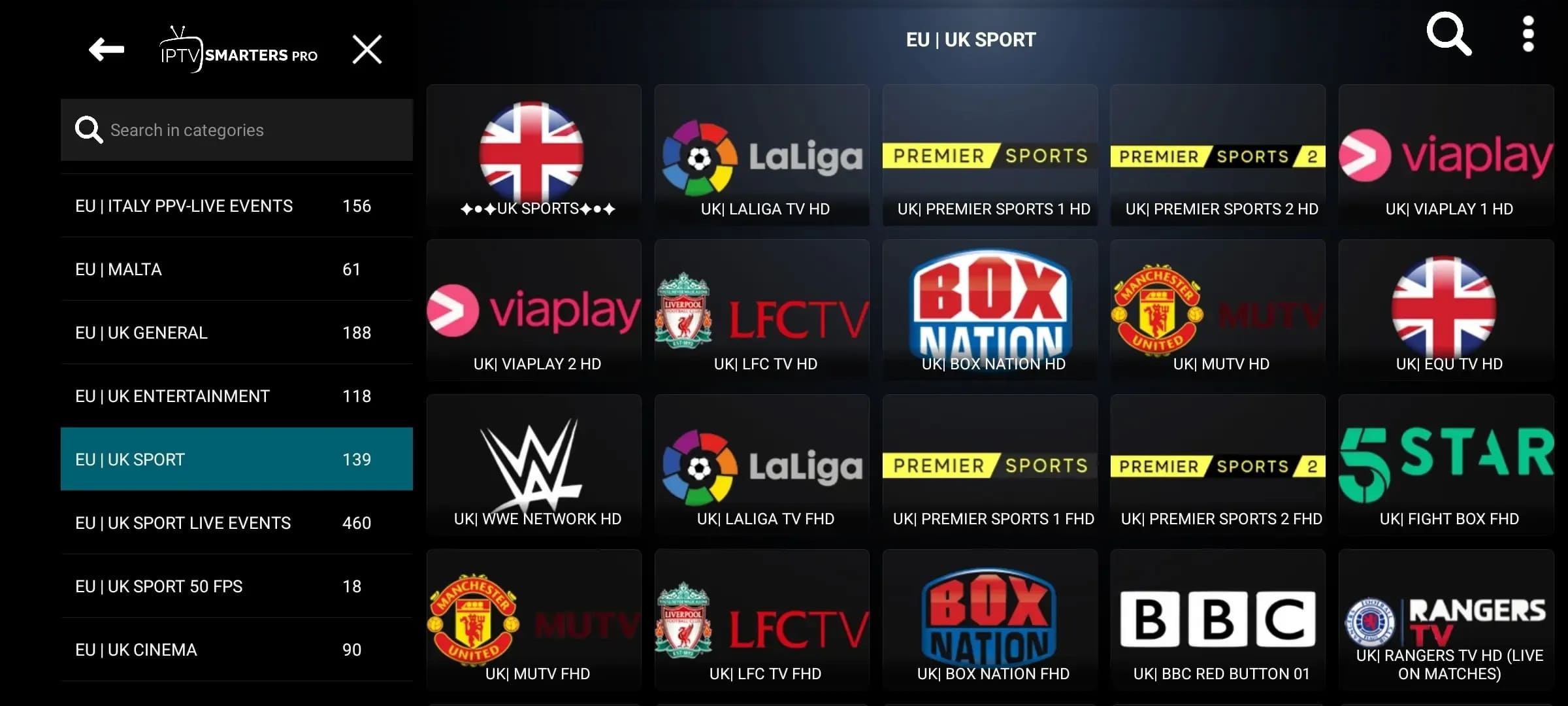
Easy Installation Guides
Follow our simple step-by-step instructions to set up Strong 4k IPTV on your favorite device in minutes.
Installation on Android Devices
Step 1:
Open Your Browser
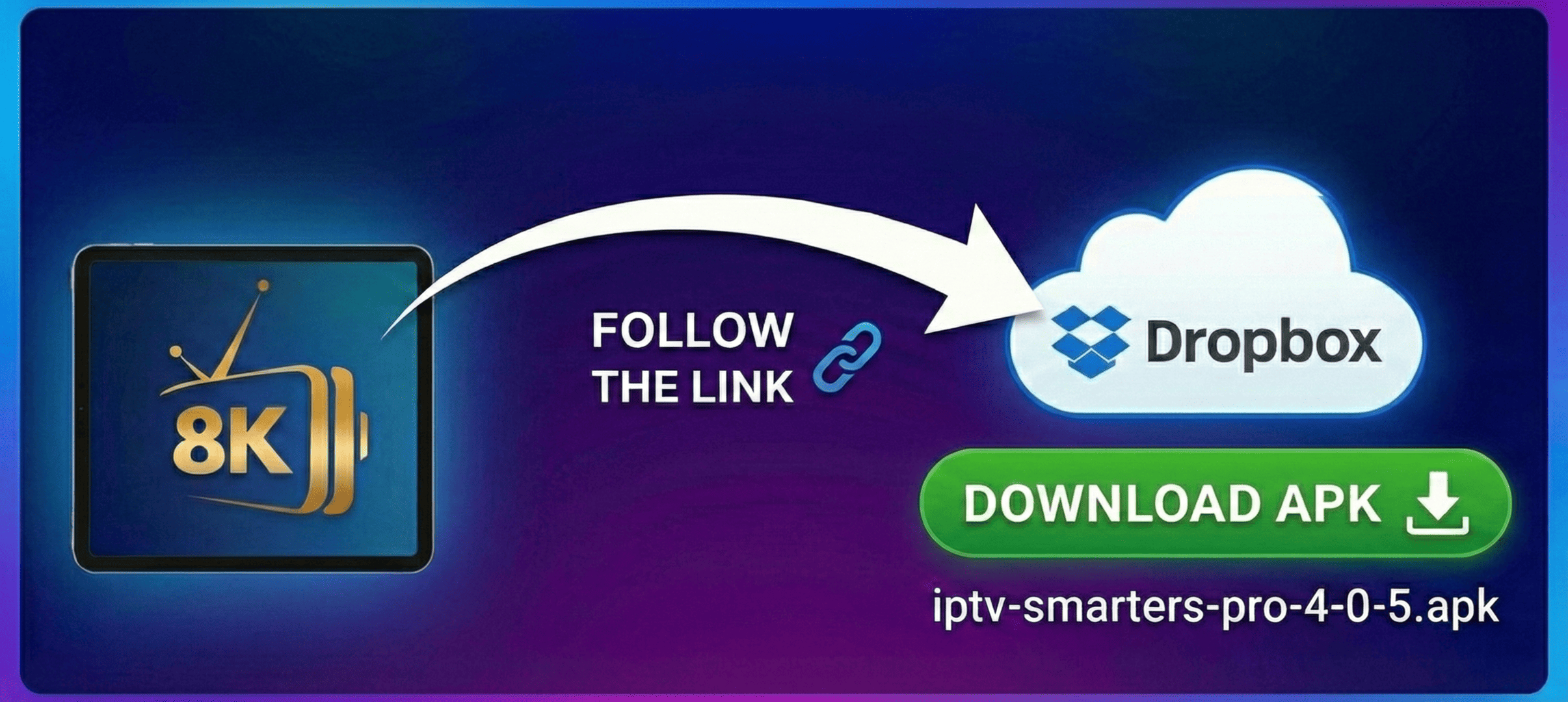
Launch your preferred web browser, such as Google Chrome, on your Android device. Navigate to the download link for the IPTV Smarters Pro application by clicking or copying the following URL into your browser: https://tinyurl.com/e3v229wf
Step 2:
Download the Application
Once on the page, locate and tap the Download button to begin downloading the IPTV Smarters Pro APK file to your device.

Step 3:
Install the Application
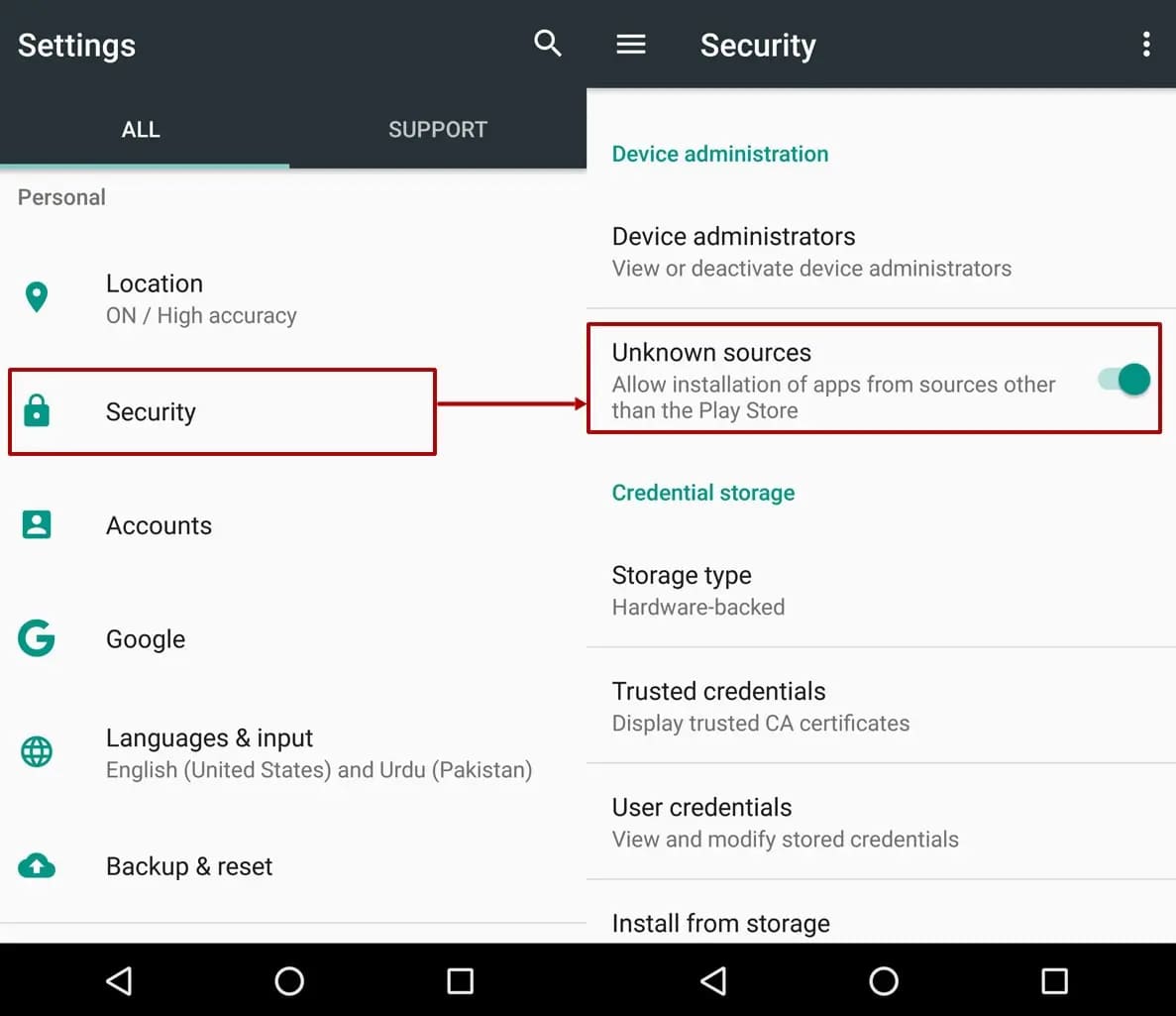
After the download is complete, open the downloaded file. If prompted, allow installation from unknown sources. Follow the on-screen instructions to complete the installation.
Step 4:
Open IPTV Smarters Pro & Select Device
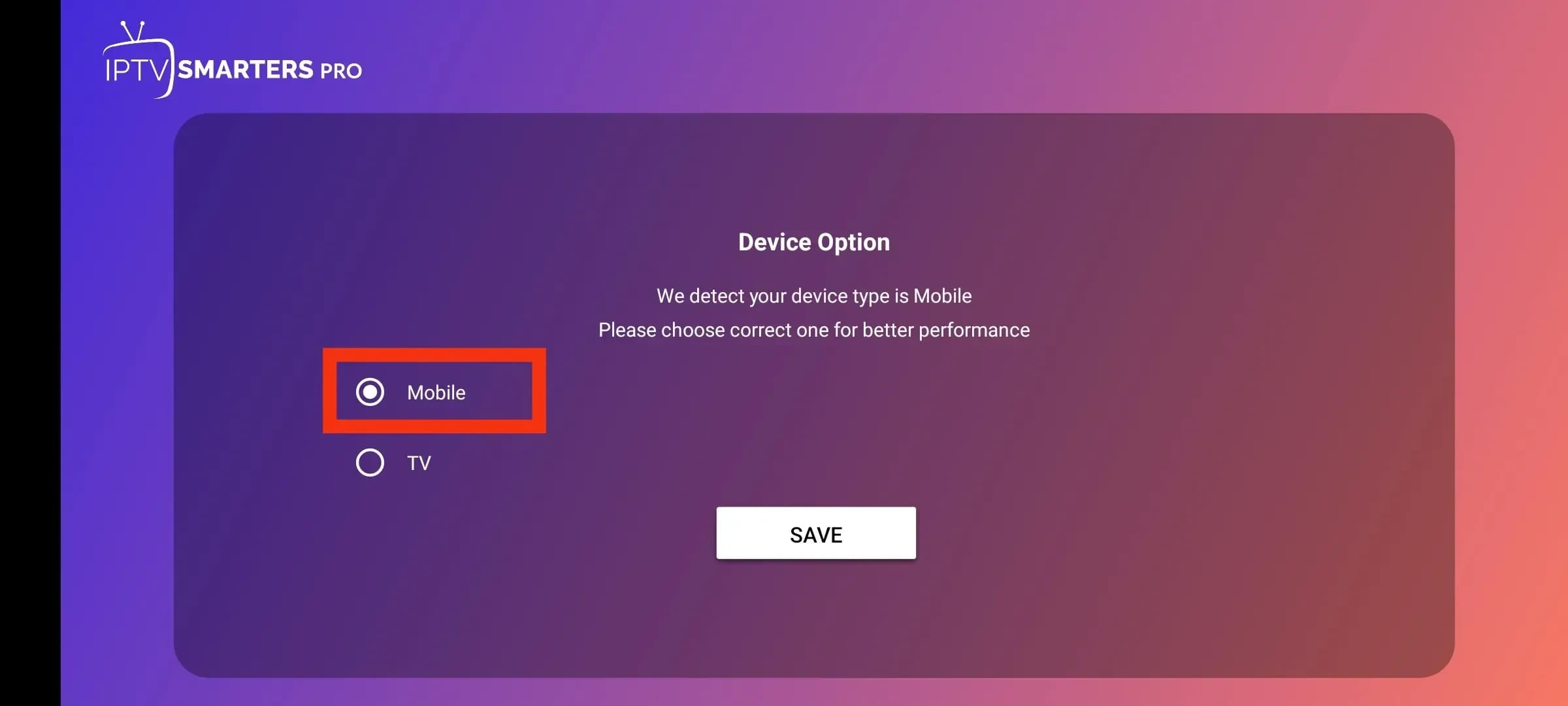
Locate and open the IPTV Smarters Pro app. When prompted to select a device type, choose Mobile to continue.
Step 5:
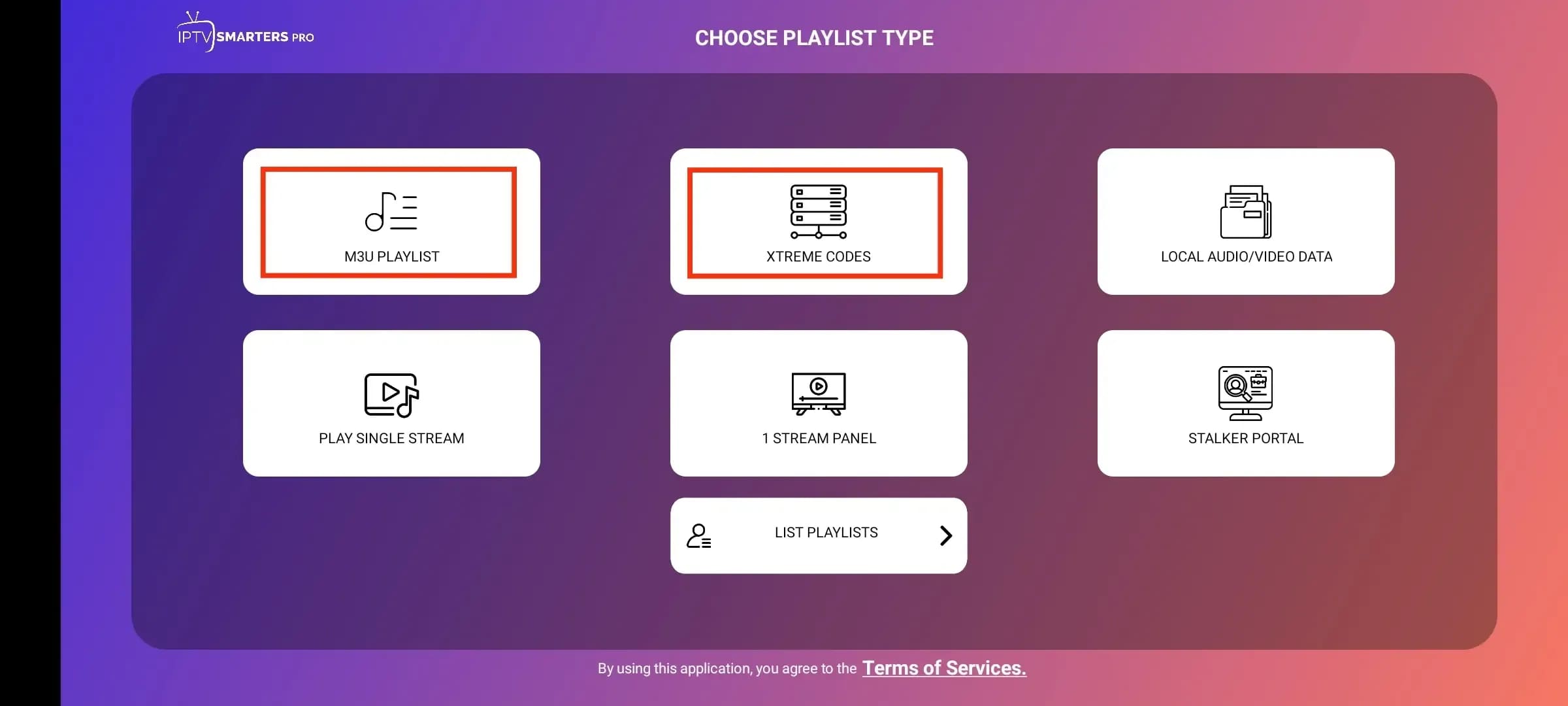
Choose Your Login Method
The app will present multiple login options. Select Login with Xtream Codes API for the fastest and most reliable setup.
Step 6:
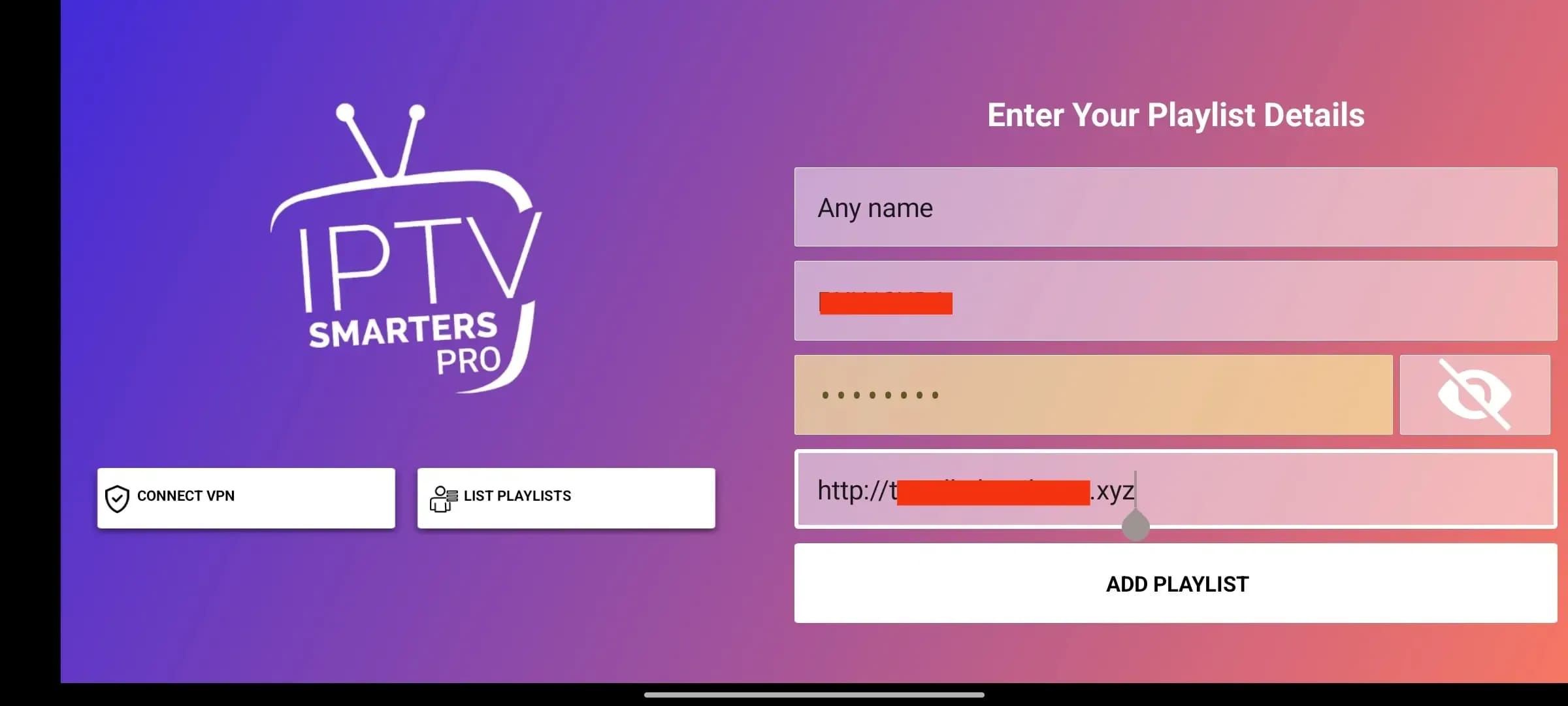
Enter Your Login Details
On the Xtream Codes API screen, carefully enter the Playlist Name, Username, Password, and Portal URL provided in your subscription email. Then tap Add User.
Step 7:
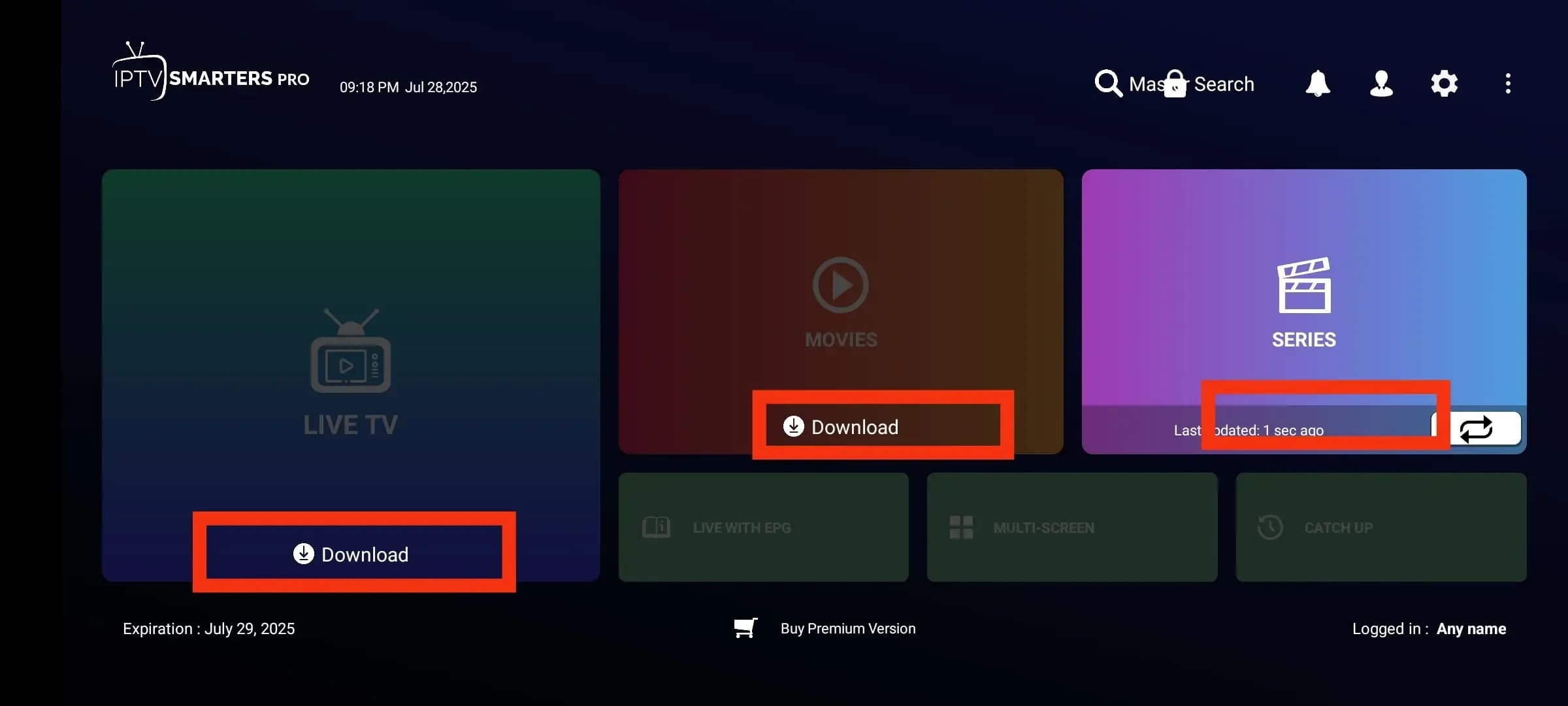
Download Content
The app will now connect to the servers and begin downloading channels, movies, and series. This process may take a few moments depending on your internet speed.
Step 8:
Congratulations!
Your Android device is now fully set up. You can browse live TV channels and on-demand content right away. Sit back and enjoy the show!