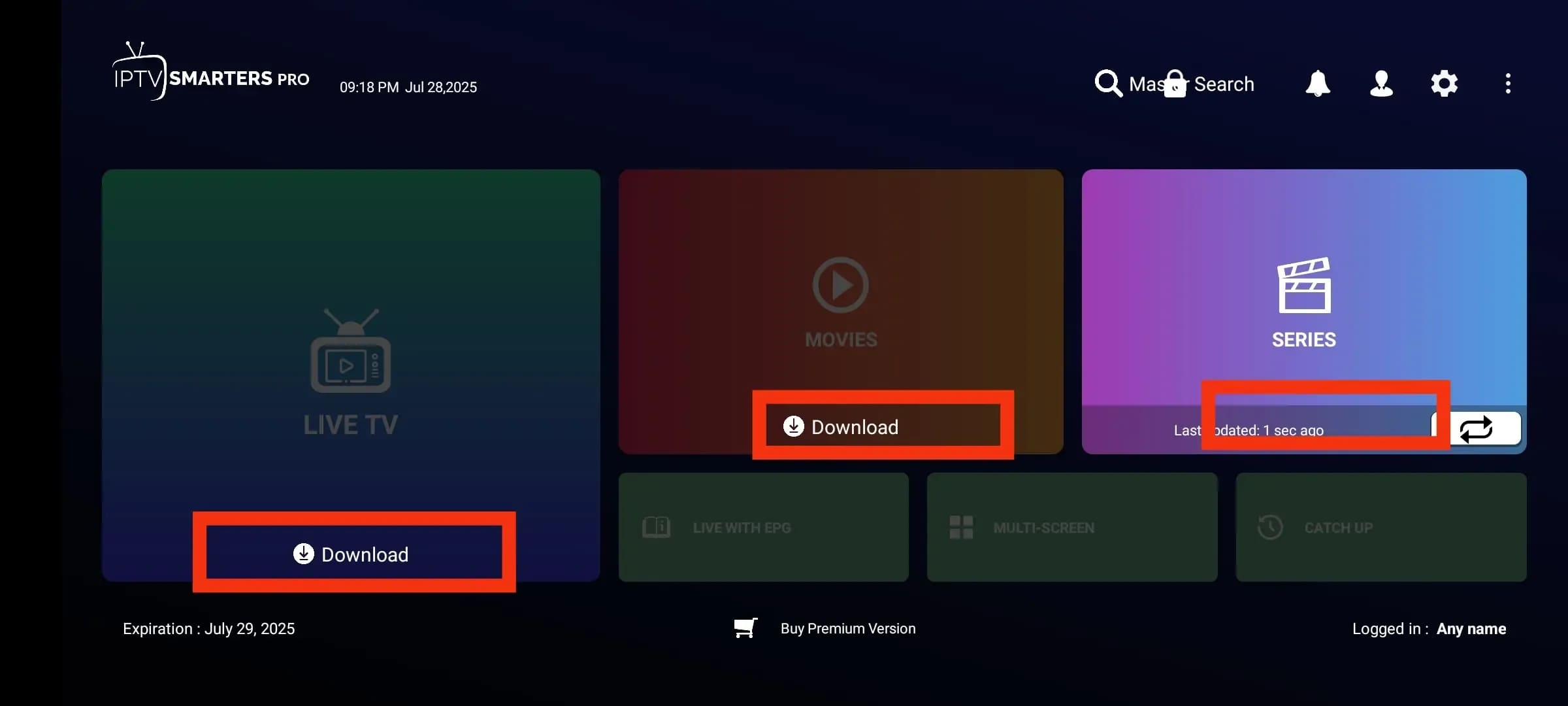
Easy Installation Guides
Follow our simple step-by-step instructions to set up Strong 4k IPTV on your favorite device in minutes.
Installation on iOS Devices
Step 1:
Download the App
Open the App Store on your iOS device (iPhone or iPad) and use the search bar to find Smarters Player Lite.
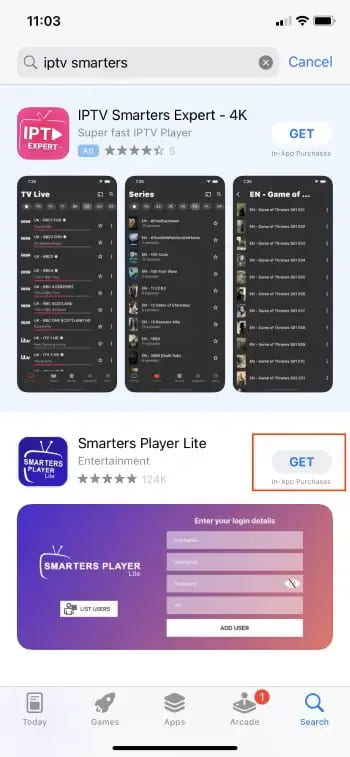
Step 2:
Install & Launch
Select the official Smarters Player Lite application from the search results and tap Get (or the cloud icon) to download and install it. Once installed, open the app from your home screen.
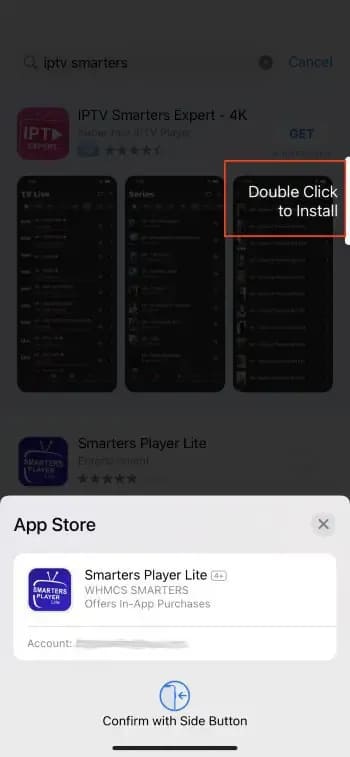
Step 3:
Configure the Service and Choose the Login Method
After launching the app, proceed with the service configuration. When prompted, always select Login with Xtream Codes API. This method is the most stable and recommended option.
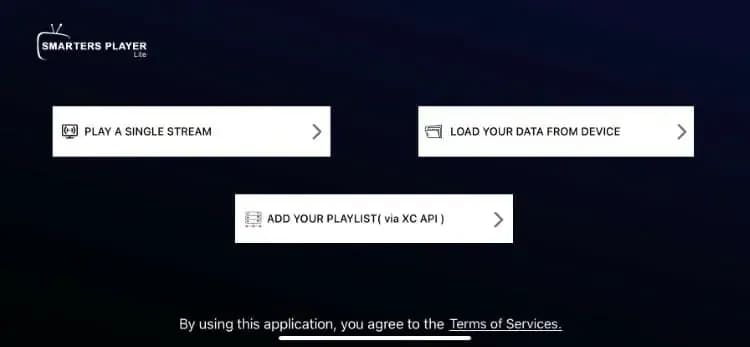
Step 4:
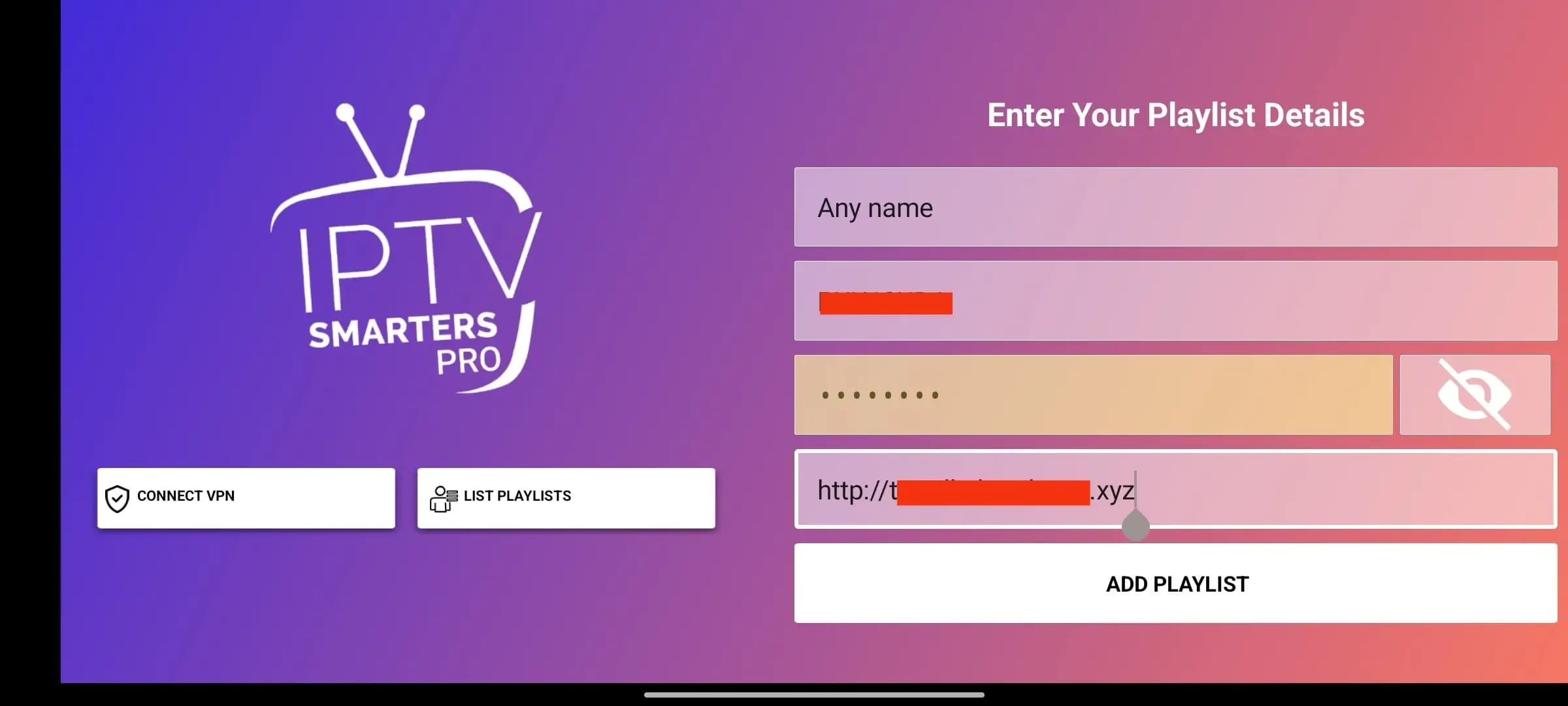
Login Using Xtream Codes
Enter the Username, Password, and Server URL provided in your subscription email. Carefully verify the server URL, as it is essential for a successful connection.
Step 5:
Enjoy Your Content
Once the channel list finishes loading, your service is fully set up. You can now enjoy live TV, movies, and series on your iOS device.