Easy Installation Guides
Follow our simple step-by-step instructions to set up Strong 4k IPTV on your favorite device in minutes.
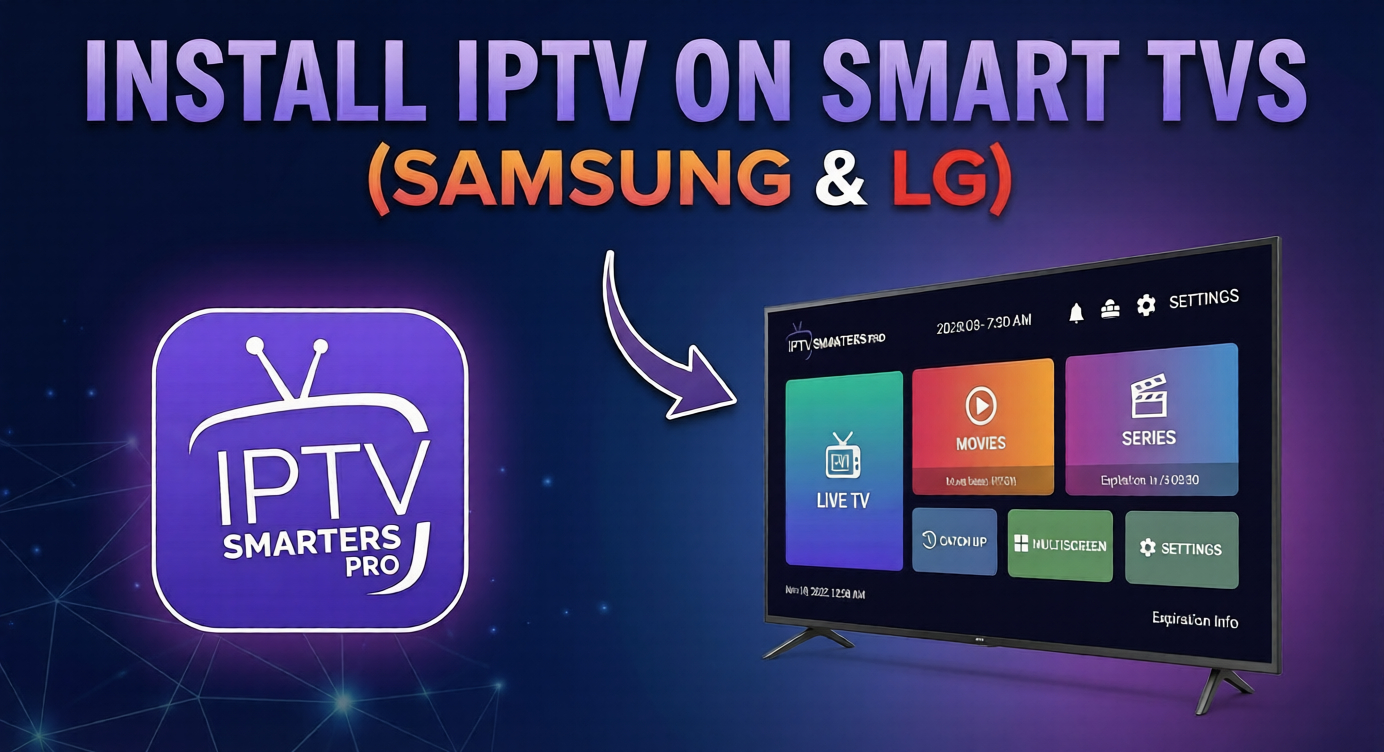
How to Install Strong 4K IPTV on Samsung & LG Smart TVs
Learn how to install and activate Strong 4K IPTV on Samsung and LG Smart TVs using popular IPTV players such as IPTV Smarters Pro and IBO Player. This step-by-step guide will help you set up your Smart TV quickly and enjoy live TV channels, movies, and series in high-quality streaming.
Step 1:
Access Your TV's App Store
Turn on your Samsung or LG Smart TV and ensure it's connected to the internet. Using your remote, navigate to the main home screen to find the App Store. On Samsung TVs, this is called the Samsung App Store. On LG TVs, it's known as the LG Content Store.
Step 2:
Search for a Compatible IPTV Player
Once inside the app store, use the search function to find a suitable IPTV player. We highly recommend applications like IPTV Smarters Pro or IBO Player, as they are specifically designed to work flawlessly with the Epix IPTV service and offer the best experience.
Note: Some applications may be free to install but might require a one-time activation fee for long-term use.
Step 3:
Install the Application
Select the application you chose from the search results. Follow the on-screen instructions to download and install it on your Smart TV. Once installed, you will find the new app on your TV's home screen or in the My Apps section.
Step 4:
Launch the App and Note Your Device Info
Open the newly installed IPTV application. For many players (such as IBO Player or SET IPTV), the app will display a unique Device ID and Device Key on the screen upon first launch. Carefully write down this information, as it is required to activate your service.
Step 5:
Activate Your Service via Web Portal
Using a computer or smartphone, open your web browser and navigate to the activation portal specified by the app (for example, the IBO Player website). Enter the Device ID, Device Key, and the M3U playlist link and EPG link provided in your Epix IPTV subscription email.
Step 6:
Log in with Xtream Codes API (Alternative)
If your chosen application supports it (such as IPTV Smarters Pro), select the Login with Xtream Codes API option. Enter the Username, Password, and Portal URL provided in your Epix IPTV activation email. This is often the fastest and easiest setup method.
Step 7:
Restart the App and Enjoy
After completing the activation or login process, close and restart the IPTV application on your Smart TV. The app will now load all available channels, movies, and series included in your Epix IPTV plan. Your setup is complete.
Your Smart TV is Ready!
Excellent! Your Smart TV is now set up and waiting for activation. The final step is to choose an Epix IPTV plan to receive your login credentials. Unlock a world of premium entertainment directly on your big screen in just a few clicks.
Get Your Subscription Now